Accreditation
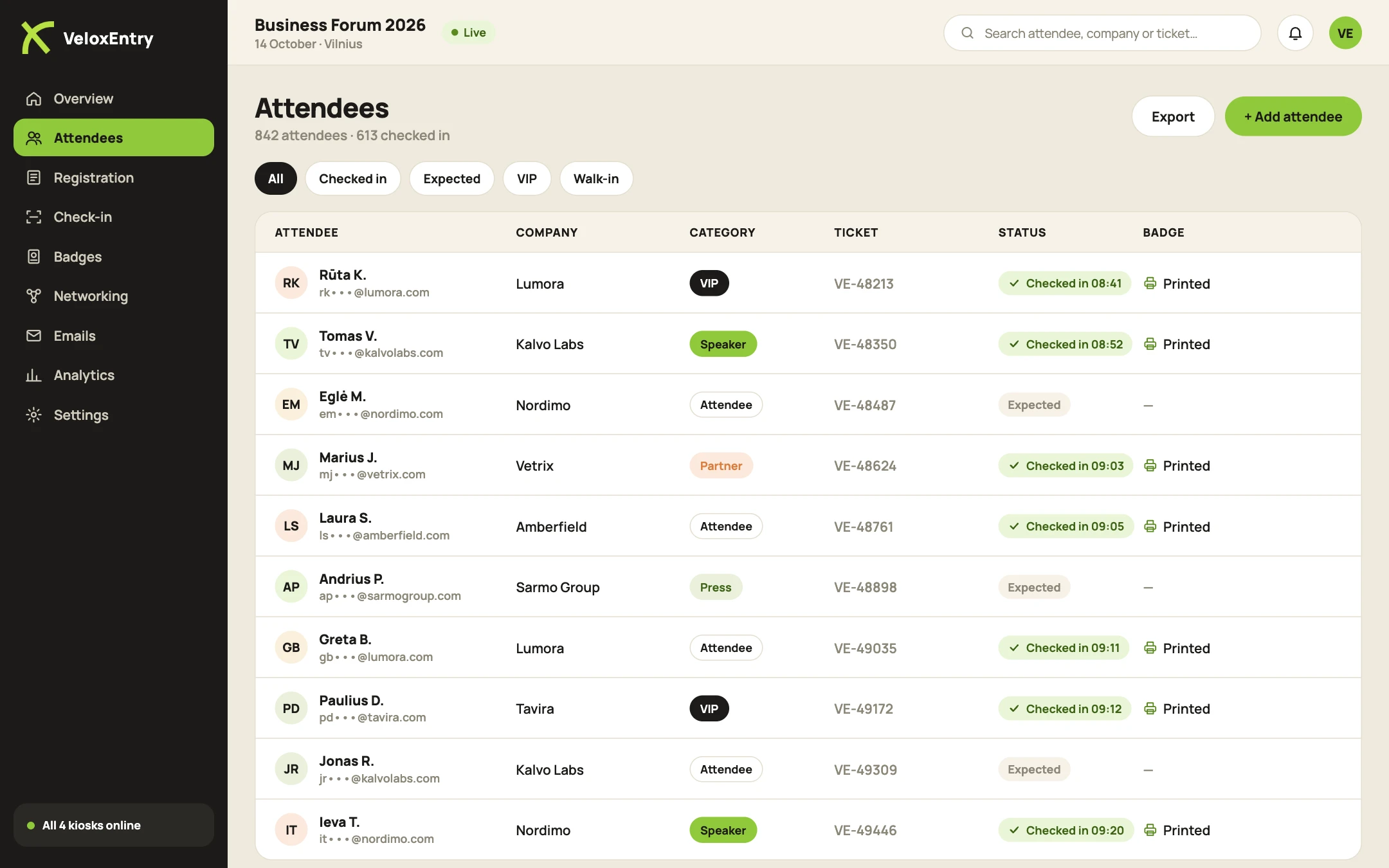
Accreditation with zones and categories
Speakers, press, delegations, staff. Everyone gets their own badge and gets in only where they are allowed.
Why it hurts
Accreditation requests by email and manual approval in a spreadsheet.
Press and VIP badges printed separately, the night before.
At the door it is unclear whether a person may enter a zone.
Event accreditation
How accreditation works
01
Application
The attendee fills in an accreditation form. Each category has its own fields: media outlet, delegation, job title, documents.
02
Approval
You approve applications in the dashboard with one click. Approved attendees get a QR ticket automatically, rejected ones get a polite email.
03
Badge
Badge design by category: colour, label, zone marks. The badge prints on arrival, not in advance.
04
Control at the door
The QR is scanned at the zone entrance. The system shows at once whether the person may enter.
up to 15 s
per check-in
0
badges printed in advance and wasted
1
person at the desk
Event accreditation
What matters for official events
Access zones
VIP lounge, press centre, backstage. Rights are assigned to a category or to a specific person.
Different badges
Colour and label by category. Security staff see access rights at a glance.
VIP alerts
When a VIP or head of delegation arrives, the responsible person gets a notification on their phone.
Works offline
Kiosks and scanning keep working if the connection drops. Data syncs when it is back.
Activity log
Who arrived when and in which zone they were scanned. Post-event report in one click.
Data protection
Data is processed under GDPR. You are the controller, we process on your instructions.
FAQ
Frequently asked questions
Can applications be approved manually?
Yes. Approve each application one by one, or set certain categories to be approved automatically.
How does zone control work?
The attendee’s QR is scanned at the zone entrance. The system shows whether they may enter and logs the visit.
Can a category be changed during the event?
Yes. Change the status in the dashboard and a new badge prints in seconds.
Which events is it for?
Forums, conferences with press, government events, closed business events and exhibitions.
Read next
Let's look at your event.
Tell us the date, attendee count and venue. We send a quote within one business day.